Still Finding and Placing Every Sound for Your Video One by One?

When we watch a video, we see a single scene, but the sound that completes that scene is never just one sound.
Picture a character walking down a street at night. You hear the character's footsteps, and a car passes by in the distance. The whole space might be filled with the distinctive hum of the city and the sound of the wind.
To the eye, it's a single scene, but in reality, multiple sounds, each playing a different role, work together to complete it.
What sounds does a single video scene need?
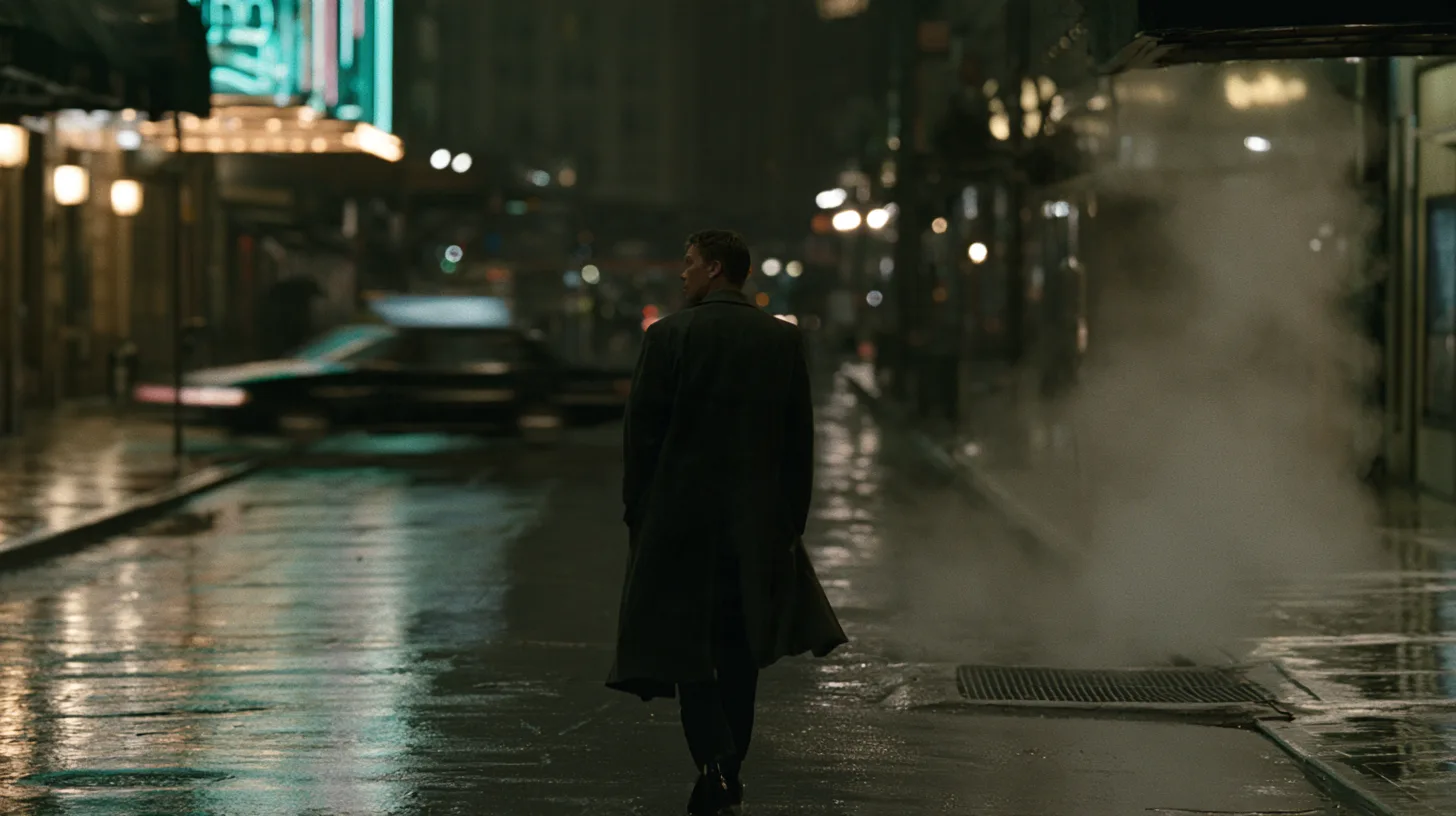
Sounds used in video and games can be categorized in many ways depending on their role.
For example, in a scene where a character walks down a street, you might use sounds that follow the character's movement, like footsteps; sound effects for moments such as a car passing by or a door closing; and ambience that sets the mood of the entire space.
What matters is not simply creating these sounds.
It also takes judging which sounds the scene needs, finding the right sounds, placing them at the right timing, and adjusting the volume and length of each one.
If the result doesn't fit the scene, you may need to find different sounds or revise only some of them. In the end, adding sound to a scene is a process of repeating several steps:
Sound search → Placement → Adjustment → Revision
When sound work becomes a burden
In professional sound production environments, there are dedicated staff and a wide range of sound libraries for this kind of work.
But the situation can be different for small game development teams without dedicated sound staff, or in environments where prototypes need to be built quickly.
Even for a single short video, you have to find each sound one by one, place it to match the scene, and check the result again, over and over.
Especially in the early stages of development, when you need to check gameplay or video quickly, what can matter more than a perfect result is a workflow that lets you quickly put together the sounds a scene needs and revise specific parts later.
How does VARCO Sound help with the sound workflow?
VARCO Sound is an AI sound creation tool designed not just to generate a single sound, but to make the entire sound design process of finding, placing, and revising sounds more convenient.
Sound Agent analyzes the input video to identify the sounds a scene needs and places them at the right timing. Instead of finding every sound and placing it on the timeline from scratch, users can use the generated result as a starting point for their work.
Another key feature here is multitrack. Rather than merging multiple sounds into a single audio file, each sound is organized as its own track, so you can check and edit the sounds you need individually. For example, you can keep the footsteps as they are and change only the car sound, or adjust the volume of just one specific track as you continue working.
In other words, it's not about generating a result once and being done, but a workflow that takes post-generation editing and post-processing into account.
What would it look like in a single scene?

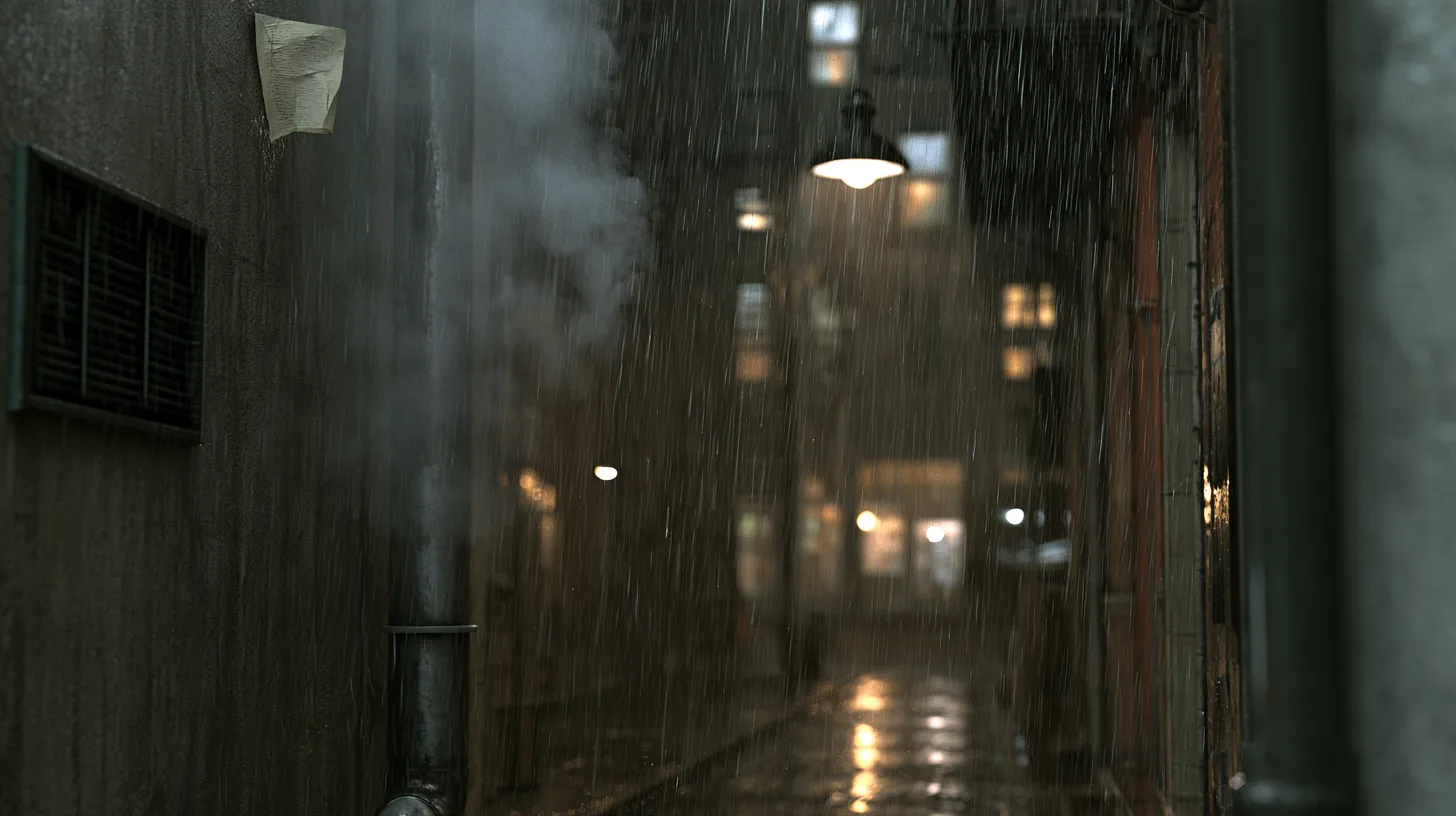

Let's go back to the scene of the character walking down the street at night.
First, input the video into VARCO Sound, and you can use Sound Agent to put together the sounds the scene needs.
You can check multiple sounds, such as the city ambience, the character's footsteps, and a passing car, each as a separate track, and adjust whatever needs adjusting.
If the car sound feels a little off from the mood of the scene, you can replace it with a different sound, or use the Variation feature to create new candidates based on the existing sound.
In this way, you can continue working through the flow of Video analysis → Sound composition → Individual track review → Revising what's needed
VARCO Sound focuses less on creating a single finished sound for you and more on creating a working environment where users can quickly compose sounds that fit the scene and edit them again.
From making sounds to supporting sound work
Creating sound for video or games doesn't simply mean generating a single sound effect.
Judging which sounds are needed, finding the right sounds, placing them to match the scene's timing, and revising them are all part of sound design.
VARCO Sound aims to make this repetitive workflow more convenient and help creators reach the results they need.
If you need to build a prototype quickly on a project without a sound designer, or want to compose multiple sounds for your video more efficiently, try VARCO Sound and experience a new way of creating sound.
